







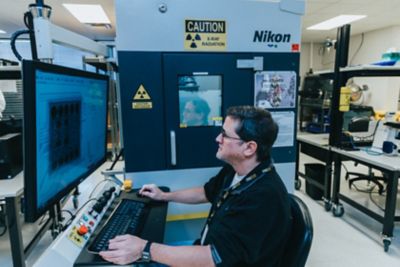

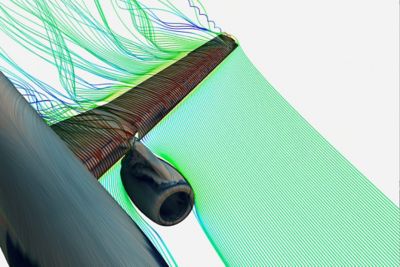


Ansys computational fluid dynamics (CFD) products are for engineers who need to make better, faster decisions. Our CFD simulation products have been validated and are highly regarded for their superior computing power and accurate results. Reduce development time and efforts while improving your product’s performance and safety.
Ansys Fluids
Computational Fluid Dynamics (CFD) Simulation Software
Fast, Accurate CFD
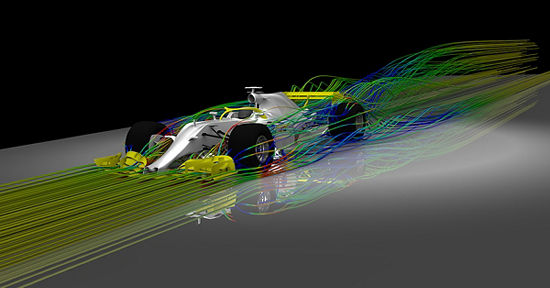
Intuitive, yet extremely powerful, our computational fluid dynamics software’s accelerate product development. Ansys CFD products give you the possibility to make incredible progress through innovation as pressures to optimize products ratchet up and margins for error narrow quickly. Comprised of the industry’s most accurate and trusted solvers, you will have confidence in your results. Whether you want to maximize the efficiency of an internal combustion engine or perform an in-flight icing simulation, Ansys has the tool for you. Maximize your time and increase productivity with modern, user-friendly Ansys CFD products.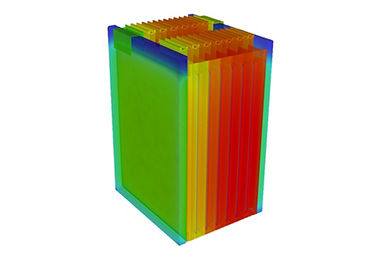
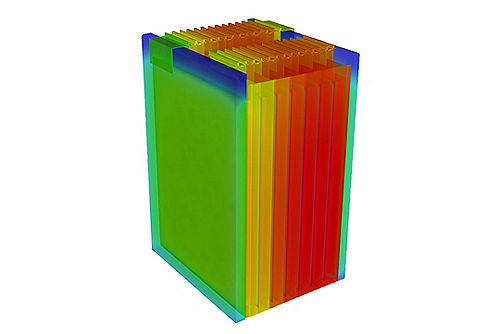
We offer streamlined physics workflows to reduce time to accurate results, including battery conjugate heat transfer (CHT) simulations.
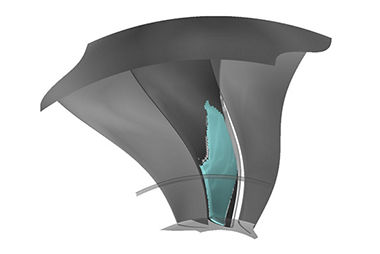
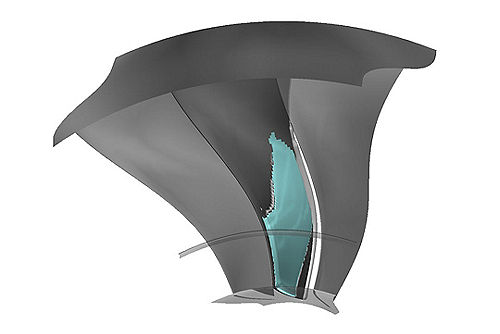
From ice accretion to combustion in a gas turbine, we have the CFD products to solve your problem accurately and efficiently.
Fluids Products




July 2024
What's New
The 2024 R2 release delivers significant enhancements that improve overall solver performance, increase end-user productivity, and improve workflows to meet the growing complexity of our customers’ CFD use cases.
Ansys Fluent
- Expanded Use Cases and Hardware Options for the Fluent GPU Solver: Support is now available to run the Fluent GPU solver on AMD GPU cards. New models and physics added to the solver include compressible flows, DO radiation, Adiabatic FGM models, anisotropic conductivity, and more.
- New Functionality within the Fluent Web User Interface: The Fluent Web Interface includes usability improvements, including a template for connecting to HPC, a multi-select context menu, multi-edit support, copy/paste within and across sections, grouping items in list view and outline tree, and much more.
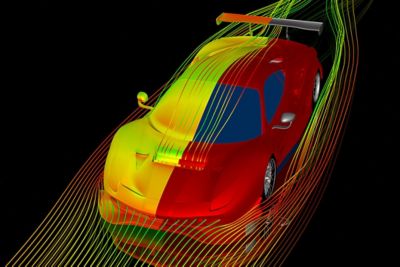
- Aerospace Advancements: The Fluent Aero Workspace—a workspace that provides automated best practices for external aerodynamics studies—received substantial enhancements. The virtual blade model (VBM) is now compatible with the DBNS solver and Fluent Aero best practices. Parametric post-processing, automation for turbulence model selection based on the Reynolds number, and automated PUMA mesh adaption are available.
Ansys CFX and Turbo Tools
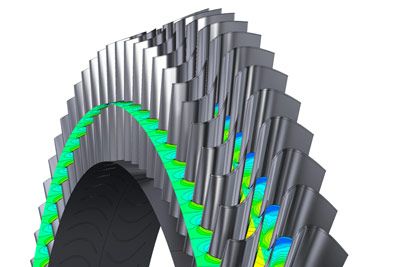
- For Ansys CFX, time decomposition greatly speeds up harmonic analysis, while domain interfaces with mixed fluid-fluid and fluid-solid connections simplify case setup, and dynamic variables provide a new way to aid the convergence of steady-state simulations.
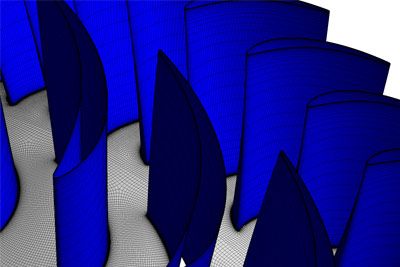
- For TurboGrid, automated meshing for complex features intersecting periodics using hybrid meshing is available. Workbench lets you set TurboGrid components to “Run in Background,” and updates concurrently instead of sequentially.
- PyTurboGrid provides powerful meshing automation with Python
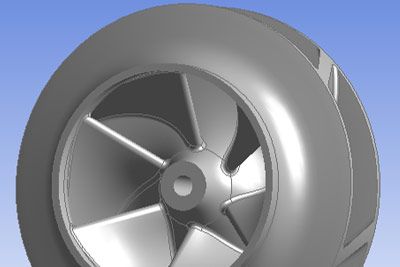
- BladeBuilder supports low-fidelity and high-fidelity geometry generation
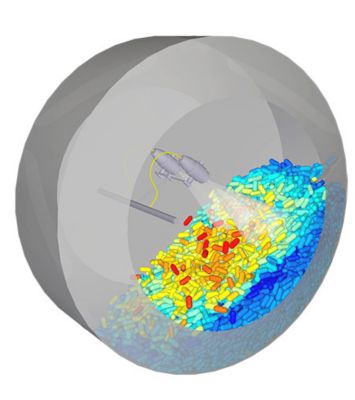
Ansys Rocky
- Ansys Mechanical Coupling Enhancements include Mechanical two-way Structural Coupling, Automated Data Transfer Inside Workbench for static/transient analysis, and Rocky-Mechanical HTC (Heat Transfer Coefficient) data transfer
- Perform DEM / SPH simulations leveraging shell flexible particle assembly, transient point cloud support and importing translations and rotation motion profiles as a .csv/.xlsx, Energy Spectra calculations available for CGM cases
- Pre & Post Processing: Direct integration of Rocky with Ansys EnSight and IISPH (Implicit Incompressible Smooth Particle Hydrodynamics) new user interface under Rocky GUI




See What Ansys Can Do For You
See What Ansys Can Do For You
Contact Us
Contact us today